

Robert Davis
- SCANIA MULTI DOES NOT SHOW IMAGES
Paul Johnson on April 20th
Introduction
The correct display of images in specialized technical applications, such as scania multi, is essential for operational efficiency, especially in the field of commercial vehicle diagnostics and maintenance. The images provide indispensable visual support for the precise identification of components and procedures, contributing to the optimization of time and accuracy in the execution of repairs.
Detailed descriptions of common errors
Multi does not display images, it may be caused by configuration problems, corrupt or missing image files, or permission settings that prevent the program from accessing the necessary resources. It could also be a problem related to incomplete installation or the operating system not correctly recognizing the image format.
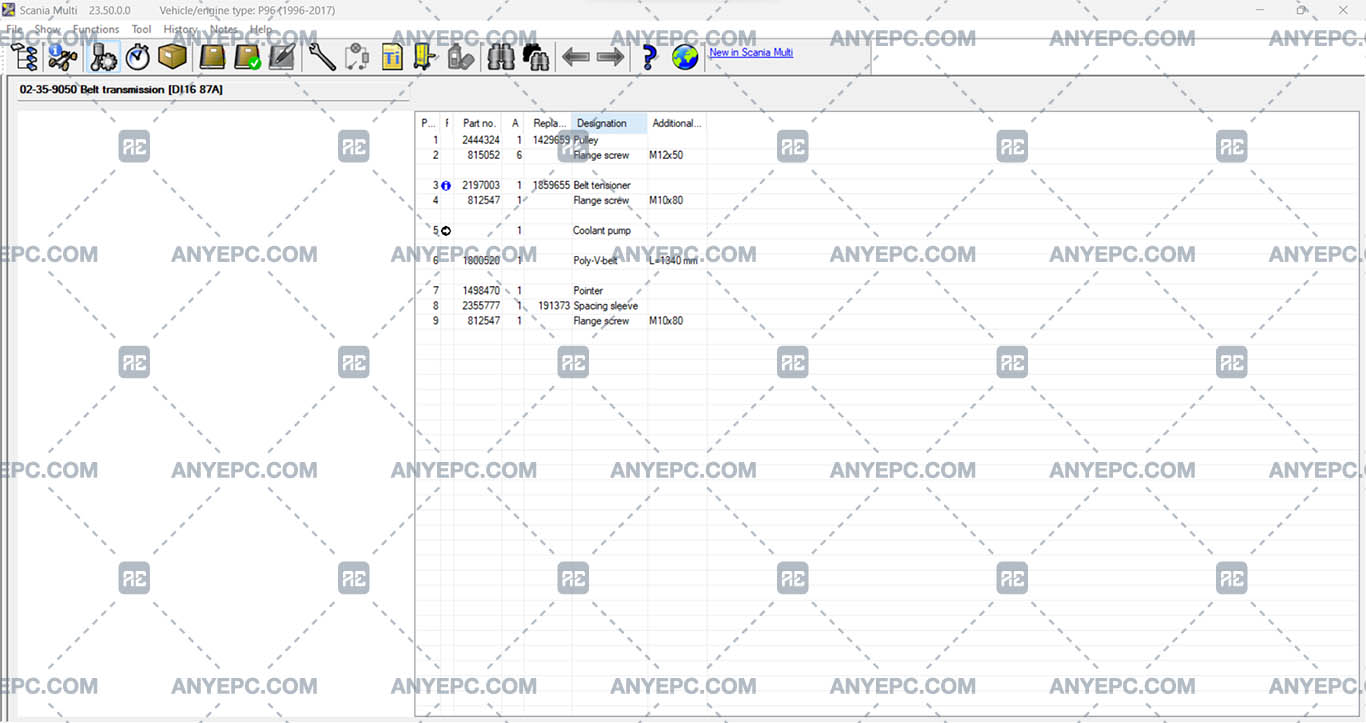
Effects and consequences
Inability to display images can generate a series of repercussions that affect operability. Images, diagrams or illustrations are fundamental for technicians in identifying faults or understanding repair processes; if images are not loaded correctly, a crucial source of visual information that speeds up and facilitates diagnosis is lost, which can lead to an increase in repair times.
View of the implemented solution
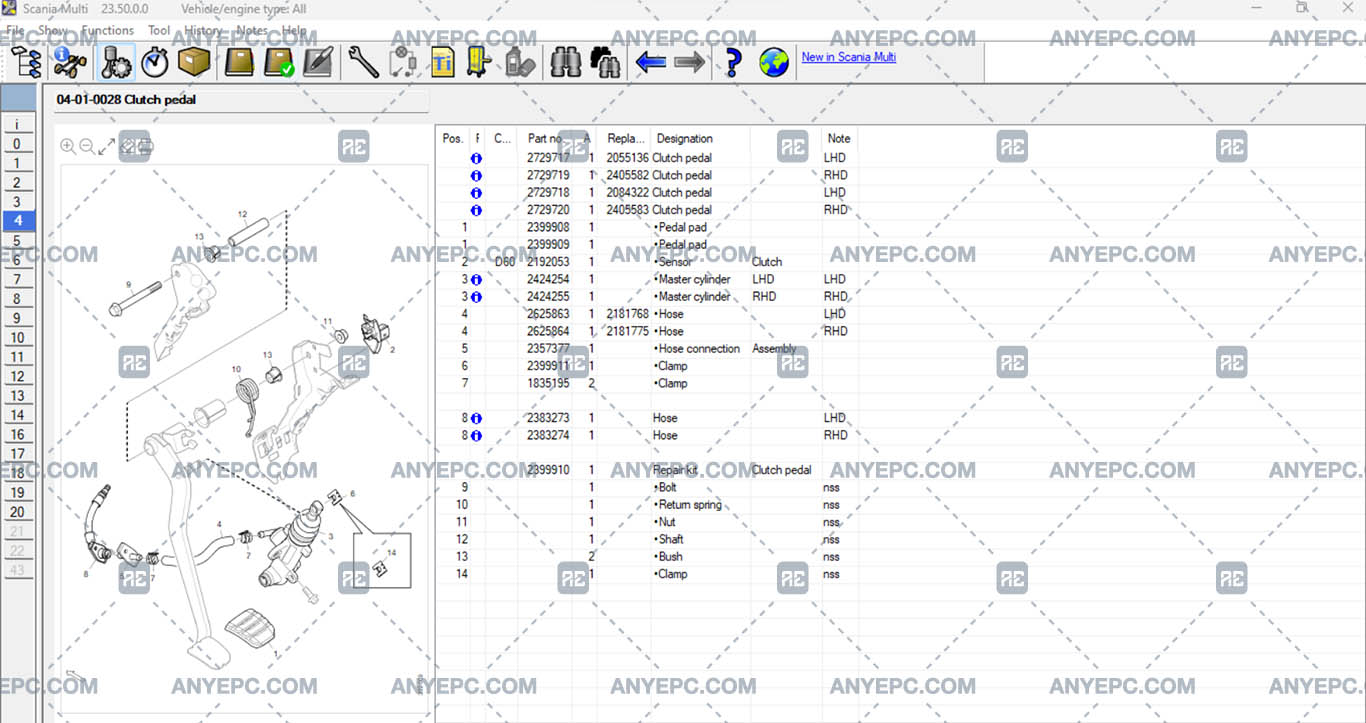

Last solution completed
Robert Davis
- SCANIA MULTI DOES NOT SHOW IMAGES
MORE VERSIONS AVAILABLE
![DDDL 8.23 SP3 [2026.02]](https://anyepc.com/storage/products/647/647_029273d5-007d-4ebf-b2fd-0b543364d4bdnwm.webp "DDDL 8.23 SP3 [2026.02]")
Detroit Diesel
![SCANIA MULTI 25.50.0.0 [2025.05]](https://anyepc.com/storage/products/401/401_27773f02-3593-425c-af5c-5f83a9ae243cnwm.webp "SCANIA MULTI 25.50.0.0 [2025.05]")
Scania
![MAN MANTIS EPC 7.0.4.3 [2026.03]](https://anyepc.com/storage/products/819/819_f09c36e8-6c9c-49ab-9e9c-73f632e72873nwm.webp "MAN MANTIS EPC 7.0.4.3 [2026.03]")
Man
![SCANIA SDP3 TRUCKS 2.69.1.2 [2026.01]](https://anyepc.com/storage/products/509/509_d0f19a59-cefe-4614-994b-d18aef83fa5bnwm.webp "SCANIA SDP3 TRUCKS 2.69.1.2 [2026.01]")
Scania
![ALLISON TCM REFLASH 6.3 [2020.12]](https://anyepc.com/storage/products/632/632_91af78bc-bfde-42df-8849-0228e1b08efenwm.webp "ALLISON TCM REFLASH 6.3 [2020.12]")
Allison
![PACCAR ESA 5.7.0.0 [2024.02]](https://anyepc.com/storage/products/720/720_d9e64506-4404-4292-a326-8bd9c6d1eaf4nwm.webp "PACCAR ESA 5.7.0.0 [2024.02]")
Paccar
![ALLISON DOC 2024.1.0 [2024.11]](https://anyepc.com/storage/products/826/826_f962ce40-eef5-442f-a963-0385b73ccdd4nwm.webp "ALLISON DOC 2024.1.0 [2024.11]")
Allison
![DETROIT DIESEL BACKDOOR 2.1 [2005]](https://anyepc.com/storage/products/98/98_f88395c2-1524-4a49-a501-984bec8482efnwm.webp "DETROIT DIESEL BACKDOOR 2.1 [2005]")
Detroit Diesel
MORE VERSIONS AVAILABLE
![EATON SERVICE RANGER 4.13 [2024.11]](https://anyepc.com/storage/products/197/197_80b59dbb-2f8a-4180-95bd-c9c568974ecenwm.webp "EATON SERVICE RANGER 4.13 [2024.11]")
Eaton
![NEXIQ E-TECHNICIAN 2.15.9536.26095 [2026.02]](https://anyepc.com/storage/products/478/478_dccbacfc-5237-49c5-b5e4-55ec895c2d7enwm.webp "NEXIQ E-TECHNICIAN 2.15.9536.26095 [2026.02]")
Nexiq