

Thomas Moore
- DETROIT DIESEL DIAGNOSTIC LINK UNEXPIRED TIME TROUBLESHOOTING
Paul Johnson on January 2nd
Introduction
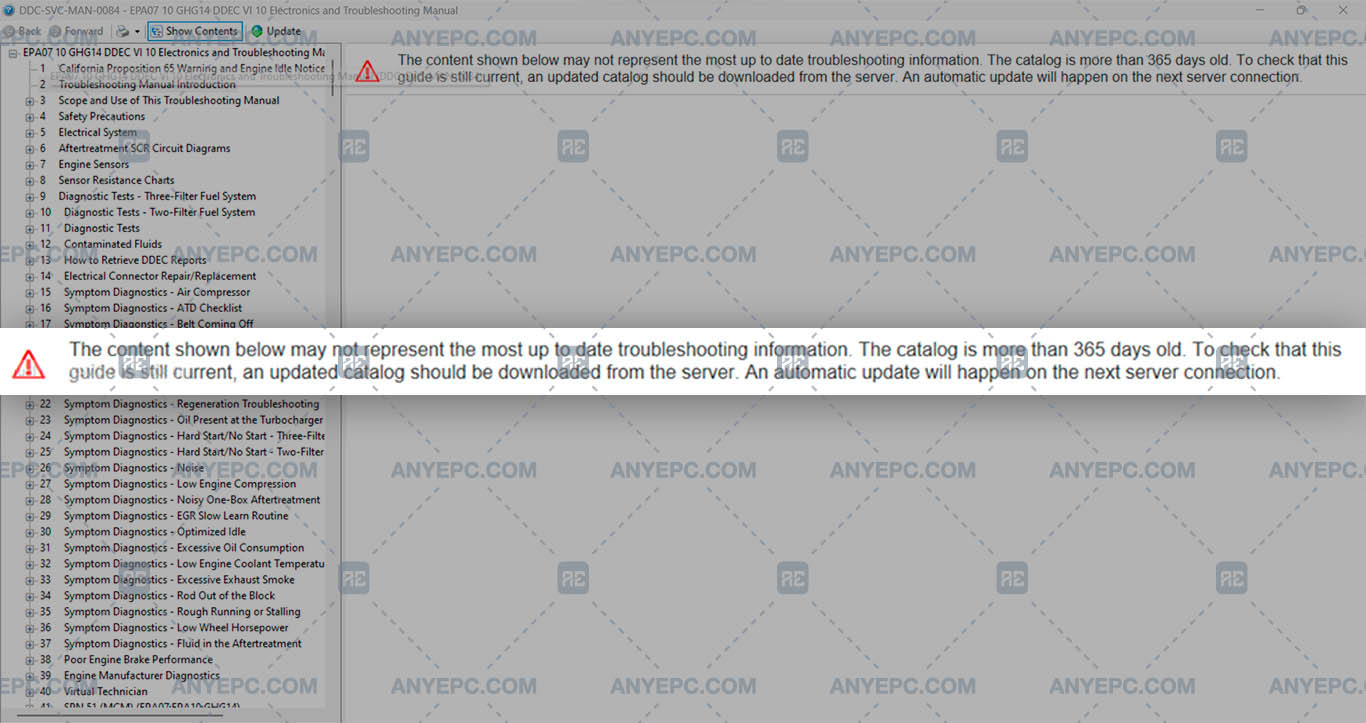
Vehicle diagnostics using computer tools has revolutionized the maintenance and repair of automotive systems. Among the most used applications is the DDDL, which allows the connection between the vehicle and the diagnostic systems to identify faults, generate reports and perform repairs more efficiently, one of the problems is to visualize the troubleshooting, which can be caused by several factors, incorrect configurations, conflicts with permissions, etc.
Detailed descriptions of common errors
When troubleshooting cannot be displayed in DDDL, this could be due to several factors related to configuration, permissions or software status, some possible causes and solutions:
1- Problems with the installation of DDDL.
2- Missing or incorrect configuration files.
3- Insufficient permissions.
4- Problems with connection or access to the vehicle.
5- Lack of software updates or incompatible versions.
6- Diagnostic tool configuration.
7- Corrupted log files or diagnostic records.
8- Error in the diagnostic database.
9- Compatibility mode or operating system problems.
10- Check the status of the diagnostic system.
Effects and consequences
This can prevent the system from loading and displaying the necessary troubleshooting, the lack of display can lead to delays in diagnosing and troubleshooting the vehicle, prolonging the repair time and increasing operating costs.
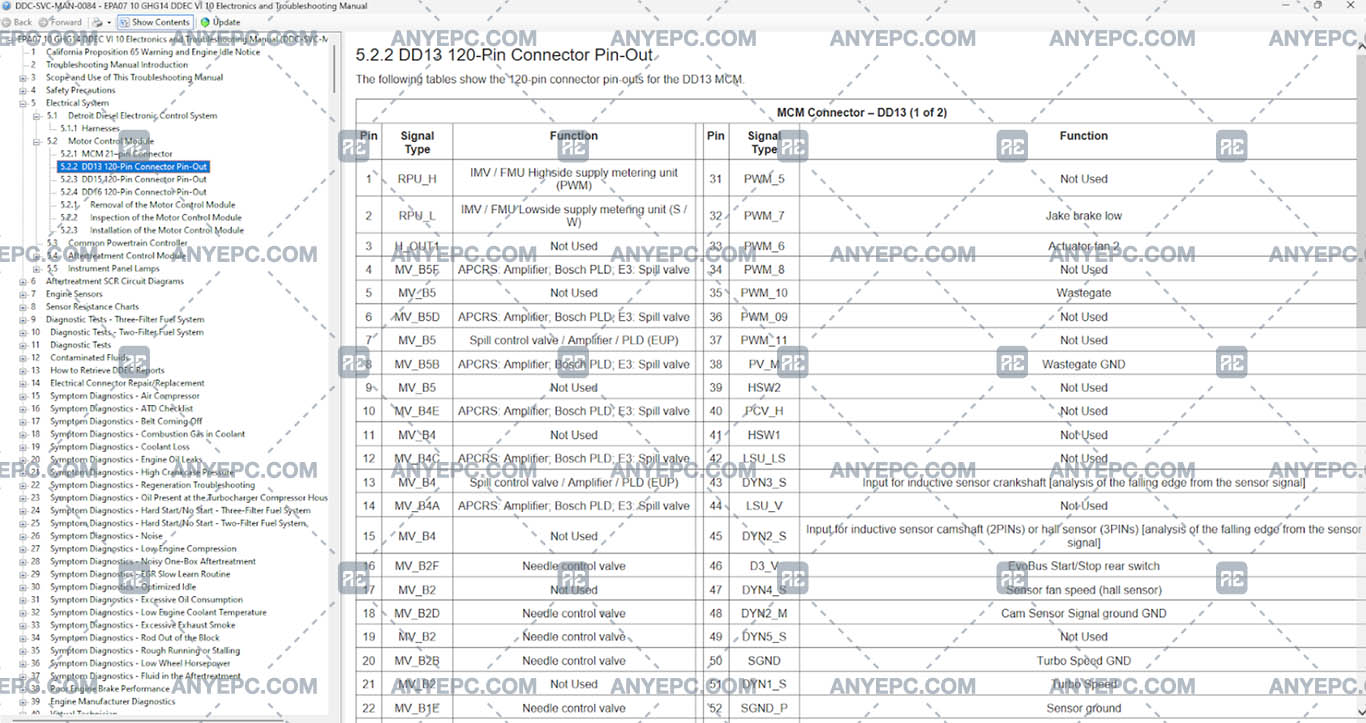
View of the implemented solution

Other errors of your interest
Was this helpful?
Last solution completed
Thomas Moore
- DETROIT DIESEL DIAGNOSTIC LINK UNEXPIRED TIME TROUBLESHOOTING

Charles Taylor
- DETROIT DIESEL DIAGNOSTIC LINK UNEXPIRED TIME TROUBLESHOOTING

Daniel White
- DETROIT DIESEL DIAGNOSTIC LINK UNEXPIRED TIME TROUBLESHOOTING
MORE VERSIONS AVAILABLE
![DDDL 8.23 SP3 [2026.02]](https://anyepc.com/storage/products/647/647_029273d5-007d-4ebf-b2fd-0b543364d4bdnwm.webp "DDDL 8.23 SP3 [2026.02]")
Detroit Diesel
![SCANIA MULTI 25.50.0.0 [2025.05]](https://anyepc.com/storage/products/401/401_27773f02-3593-425c-af5c-5f83a9ae243cnwm.webp "SCANIA MULTI 25.50.0.0 [2025.05]")
Scania
![MAN MANTIS EPC 7.0.4.3 [2026.03]](https://anyepc.com/storage/products/819/819_f09c36e8-6c9c-49ab-9e9c-73f632e72873nwm.webp "MAN MANTIS EPC 7.0.4.3 [2026.03]")
Man
![SCANIA SDP3 TRUCKS 2.69.1.2 [2026.01]](https://anyepc.com/storage/products/509/509_d0f19a59-cefe-4614-994b-d18aef83fa5bnwm.webp "SCANIA SDP3 TRUCKS 2.69.1.2 [2026.01]")
Scania
![ALLISON TCM REFLASH 6.3 [2020.12]](https://anyepc.com/storage/products/632/632_91af78bc-bfde-42df-8849-0228e1b08efenwm.webp "ALLISON TCM REFLASH 6.3 [2020.12]")
Allison
![PACCAR ESA 5.7.0.0 [2024.02]](https://anyepc.com/storage/products/720/720_d9e64506-4404-4292-a326-8bd9c6d1eaf4nwm.webp "PACCAR ESA 5.7.0.0 [2024.02]")
Paccar
![ALLISON DOC 2024.1.0 [2024.11]](https://anyepc.com/storage/products/826/826_f962ce40-eef5-442f-a963-0385b73ccdd4nwm.webp "ALLISON DOC 2024.1.0 [2024.11]")
Allison
![DETROIT DIESEL BACKDOOR 2.1 [2005]](https://anyepc.com/storage/products/98/98_f88395c2-1524-4a49-a501-984bec8482efnwm.webp "DETROIT DIESEL BACKDOOR 2.1 [2005]")
Detroit Diesel
MORE VERSIONS AVAILABLE
![EATON SERVICE RANGER 4.13 [2024.11]](https://anyepc.com/storage/products/197/197_80b59dbb-2f8a-4180-95bd-c9c568974ecenwm.webp "EATON SERVICE RANGER 4.13 [2024.11]")
Eaton
![NEXIQ E-TECHNICIAN 2.15.9536.26095 [2026.02]](https://anyepc.com/storage/products/478/478_dccbacfc-5237-49c5-b5e4-55ec895c2d7enwm.webp "NEXIQ E-TECHNICIAN 2.15.9536.26095 [2026.02]")
Nexiq