MORE VERSIONS AVAILABLE
![DDDL 8.23 SP3 [2026.02]](https://anyepc.com/storage/products/647/647_029273d5-007d-4ebf-b2fd-0b543364d4bdnwm.webp "DDDL 8.23 SP3 [2026.02]")
Detroit Diesel
Paul Johnson on November 13th
Introduction
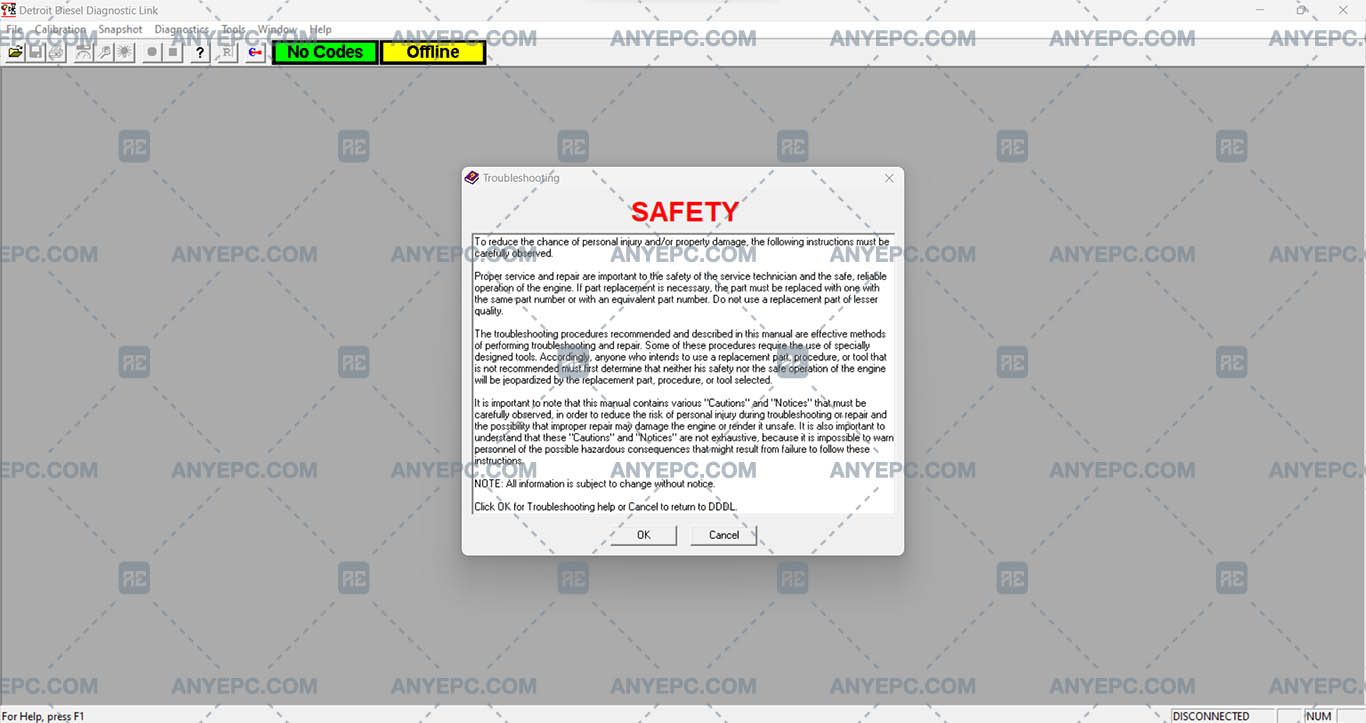
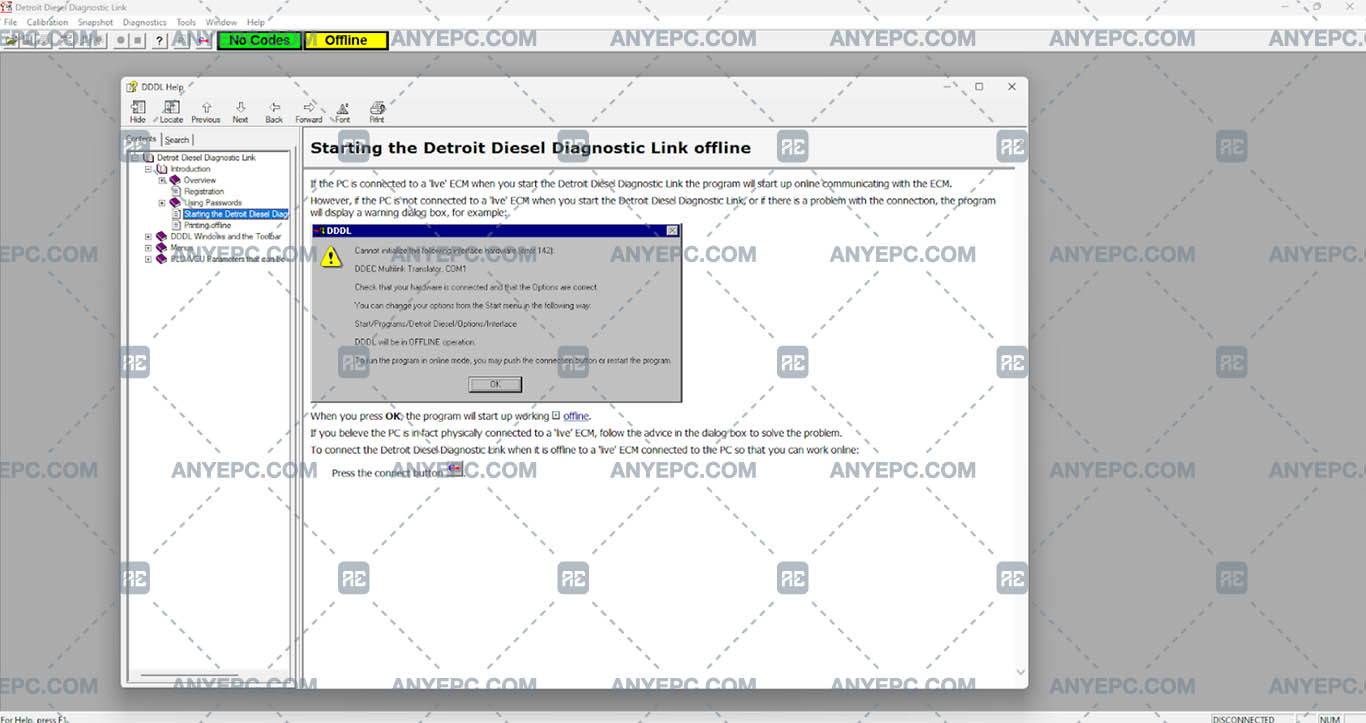
In the context of software development and use, built-in help tools or manuals play a fundamental role in assisting users in resolving doubts, learning how to use new functionalities and solving problems. However, one of the most common inconveniences faced by users is the impossibility of accessing the manuals through the help menu of various applications.
Detailed descriptions of common errors
When you try to access the help menu and the manuals are not displayed, there may be several causes for this problem:
1- The manual files may be damaged or missing.
2- The program's internal help viewer may be misconfigured or not working properly.
3- Some manuals or help files are not fully compatible with newer versions of operating systems.
4- The sofwatre may not have access to open the help files due to security settings or permissions.
5- Some security programs may block access to the help files because they are considered suspicious.
6- The installation of the program may be incomplete or may have failed somewhere, preventing the manuals from displaying correctly.
7- An update may be available that resolves problems with the display of the manuals.
Effects and consequences
Users will not be able to view the help manuals, users will not be able to access the necessary documentation to resolve doubts, perform specific tasks or better understand the use of the application, this can result in a frustrating and limited experience, not having access to the manuals can result in lost productivity.
View of the implemented solution

MORE VERSIONS AVAILABLE
Detroit Diesel
![SCANIA MULTI 25.50.0.0 [2025.05]](https://anyepc.com/storage/products/401/401_27773f02-3593-425c-af5c-5f83a9ae243cnwm.webp "SCANIA MULTI 25.50.0.0 [2025.05]")
Scania
![MAN MANTIS EPC 7.0.4.3 [2026.03]](https://anyepc.com/storage/products/819/819_f09c36e8-6c9c-49ab-9e9c-73f632e72873nwm.webp "MAN MANTIS EPC 7.0.4.3 [2026.03]")
Man
![SCANIA SDP3 TRUCKS 2.69.1.2 [2026.01]](https://anyepc.com/storage/products/509/509_d0f19a59-cefe-4614-994b-d18aef83fa5bnwm.webp "SCANIA SDP3 TRUCKS 2.69.1.2 [2026.01]")
Scania
![ALLISON TCM REFLASH 6.3 [2020.12]](https://anyepc.com/storage/products/632/632_91af78bc-bfde-42df-8849-0228e1b08efenwm.webp "ALLISON TCM REFLASH 6.3 [2020.12]")
Allison
![PACCAR ESA 5.7.0.0 [2024.02]](https://anyepc.com/storage/products/720/720_d9e64506-4404-4292-a326-8bd9c6d1eaf4nwm.webp "PACCAR ESA 5.7.0.0 [2024.02]")
Paccar
![ALLISON DOC 2024.1.0 [2024.11]](https://anyepc.com/storage/products/826/826_f962ce40-eef5-442f-a963-0385b73ccdd4nwm.webp "ALLISON DOC 2024.1.0 [2024.11]")
Allison
![DETROIT DIESEL BACKDOOR 2.1 [2005]](https://anyepc.com/storage/products/98/98_f88395c2-1524-4a49-a501-984bec8482efnwm.webp "DETROIT DIESEL BACKDOOR 2.1 [2005]")
Detroit Diesel
MORE VERSIONS AVAILABLE
![EATON SERVICE RANGER 4.13 [2024.11]](https://anyepc.com/storage/products/197/197_80b59dbb-2f8a-4180-95bd-c9c568974ecenwm.webp "EATON SERVICE RANGER 4.13 [2024.11]")
Eaton
![NEXIQ E-TECHNICIAN 2.15.9536.26095 [2026.02]](https://anyepc.com/storage/products/478/478_dccbacfc-5237-49c5-b5e4-55ec895c2d7enwm.webp "NEXIQ E-TECHNICIAN 2.15.9536.26095 [2026.02]")
Nexiq