MORE VERSIONS AVAILABLE
![DDDL 8.23 SP3 [2026.02]](https://anyepc.com/storage/products/647/647_029273d5-007d-4ebf-b2fd-0b543364d4bdnwm.webp "DDDL 8.23 SP3 [2026.02]")
Detroit Diesel
Paul Johnson on February 8th
Introduction
Today, the use of specialized software for system diagnostics and maintenance is essential to ensure the operability and efficiency in various industries. However, the presence of errors and failures in these programs can significantly affect equipment performance and user productivity. An example of these inconveniences is presented in serviceranger, a tool used for the detection and resolution of problems in vehicles and machinery, which can experience failures in the visualization of troubleshooting and connectivity problems reflected in an icon of wi-fi inatcti or dris.
Detailed descriptions of common errors
When running serviceranger, you cannot see the troubleshooting and the wi-fi icon is grayed out, this may be caused by an unstable network connection or by a problem in the software configuration that prevents proper synchronization with the system. The lack of access to troubleshootings suggests that the software is not detecting or communicating properly with the required devices, it is possible that the gray wi-fi icon indicates a limited or non-existent connection, preventing the software from accessing online resources or data.
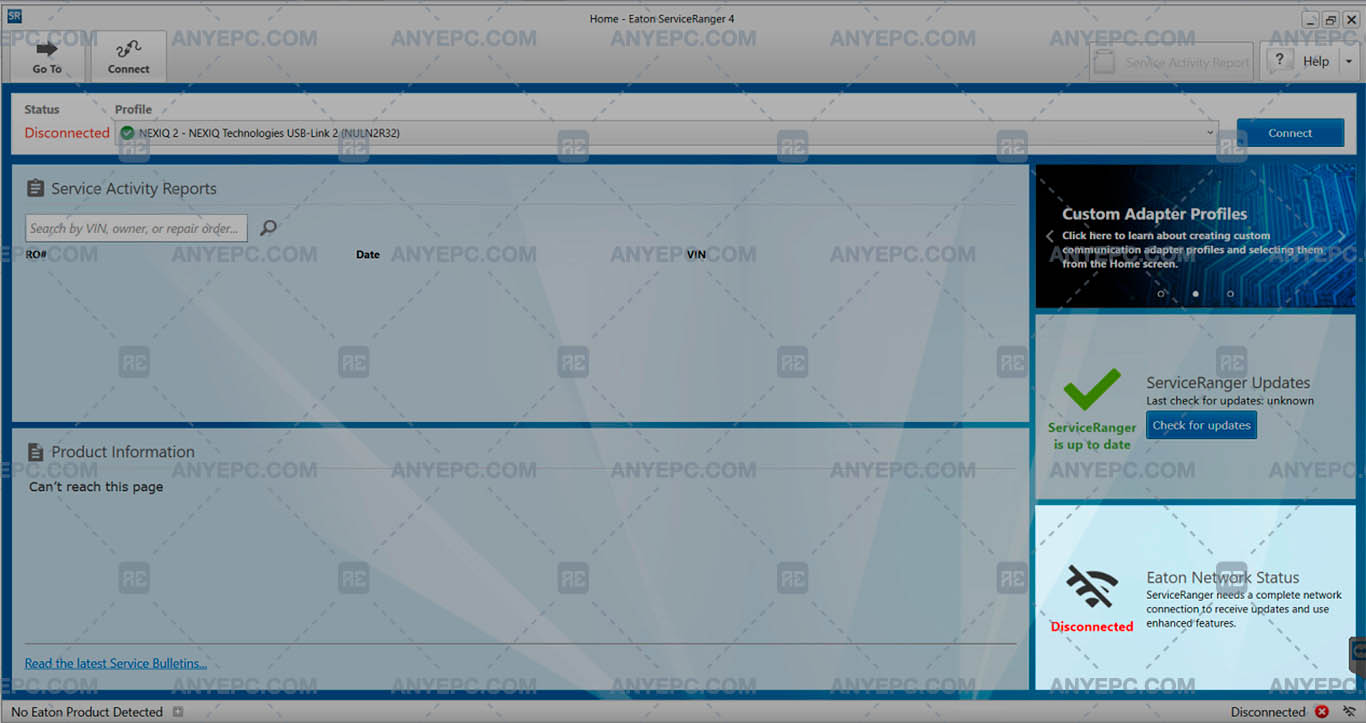
Effects and consequences
Without access to troubleshooting, technicians cannot effectively identify and resolve problems, which delays repairs, and the lack of connectivity prevents the updating and consultation of key information, which affects the operability and maintenance of systems.
View of the implemented solution
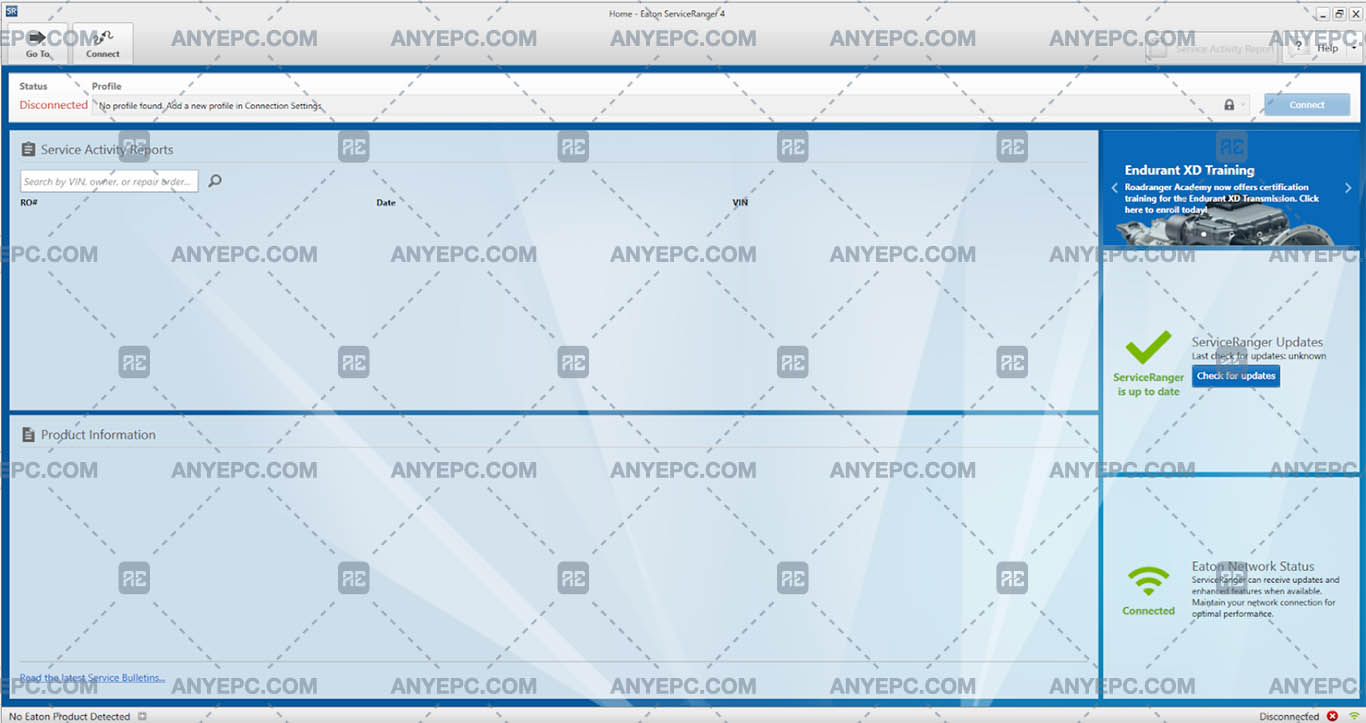

Other errors of your interest
Was this helpful?
MORE VERSIONS AVAILABLE
Detroit Diesel
![SCANIA MULTI 25.50.0.0 [2025.05]](https://anyepc.com/storage/products/401/401_27773f02-3593-425c-af5c-5f83a9ae243cnwm.webp "SCANIA MULTI 25.50.0.0 [2025.05]")
Scania
![MAN MANTIS EPC 7.0.4.3 [2026.03]](https://anyepc.com/storage/products/819/819_f09c36e8-6c9c-49ab-9e9c-73f632e72873nwm.webp "MAN MANTIS EPC 7.0.4.3 [2026.03]")
Man
![SCANIA SDP3 TRUCKS 2.69.1.2 [2026.01]](https://anyepc.com/storage/products/509/509_d0f19a59-cefe-4614-994b-d18aef83fa5bnwm.webp "SCANIA SDP3 TRUCKS 2.69.1.2 [2026.01]")
Scania
![ALLISON TCM REFLASH 6.3 [2020.12]](https://anyepc.com/storage/products/632/632_91af78bc-bfde-42df-8849-0228e1b08efenwm.webp "ALLISON TCM REFLASH 6.3 [2020.12]")
Allison
![PACCAR ESA 5.7.0.0 [2024.02]](https://anyepc.com/storage/products/720/720_d9e64506-4404-4292-a326-8bd9c6d1eaf4nwm.webp "PACCAR ESA 5.7.0.0 [2024.02]")
Paccar
![ALLISON DOC 2024.1.0 [2024.11]](https://anyepc.com/storage/products/826/826_f962ce40-eef5-442f-a963-0385b73ccdd4nwm.webp "ALLISON DOC 2024.1.0 [2024.11]")
Allison
![DETROIT DIESEL BACKDOOR 2.1 [2005]](https://anyepc.com/storage/products/98/98_f88395c2-1524-4a49-a501-984bec8482efnwm.webp "DETROIT DIESEL BACKDOOR 2.1 [2005]")
Detroit Diesel
MORE VERSIONS AVAILABLE
![EATON SERVICE RANGER 4.13 [2024.11]](https://anyepc.com/storage/products/197/197_80b59dbb-2f8a-4180-95bd-c9c568974ecenwm.webp "EATON SERVICE RANGER 4.13 [2024.11]")
Eaton
![NEXIQ E-TECHNICIAN 2.15.9536.26095 [2026.02]](https://anyepc.com/storage/products/478/478_dccbacfc-5237-49c5-b5e4-55ec895c2d7enwm.webp "NEXIQ E-TECHNICIAN 2.15.9536.26095 [2026.02]")
Nexiq